

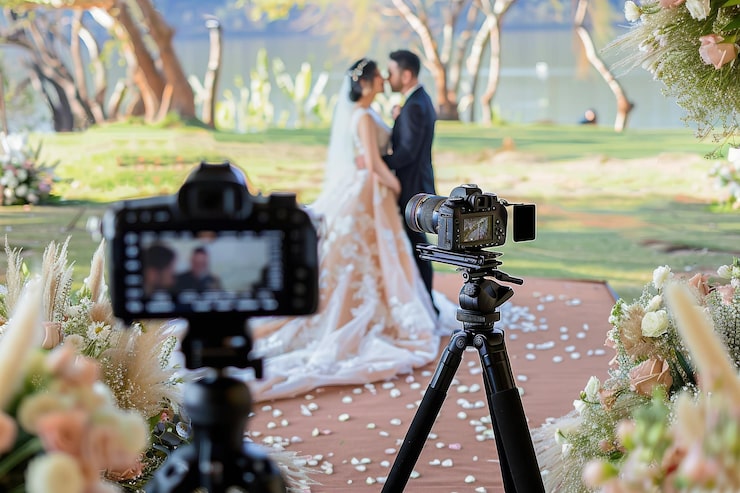
Wedding photography does not end when the camera is packed away. Post-production is where wedding images take their final shape, and a clear workflow helps photographers handle large volumes of files without delays. A structured editing process also ensures consistent results across albums, galleries, and prints delivered to clients.
This article outlines practical post-production workflows that wedding photographers can use to manage editing tasks efficiently while maintaining professional standards.
Organising and Backing Up Wedding Photos
The first step after a wedding shoot is organising and backing up files. Photographers usually copy raw files to multiple storage locations, such as external hard drives and cloud storage services, to protect against data loss.
Creating a structured folder system based on date, client name, and camera source helps streamline wedding photography editing. Many photographers also separate folders for RAW files, selected images, exports, and final deliveries. This organisation saves time when searching for specific re-editing files later.
Culling is another important stage. Photographers review thousands of images to remove duplicates, blurred frames, and test shots. This step reduces workload and ensures only the best images move forward in the editing pipeline.
Establishing a Consistent Editing Style
Consistency is essential in wedding photography. Clients expect their gallery to have a cohesive look, whether the style is light and airy, warm and cinematic, or classic and timeless.
Presets and profiles in editing software help maintain uniform tones and exposure across large batches of images. During wedding image editing, photographers typically adjust exposure, white balance, contrast, and colour tones before applying stylistic presets.
Batch editing tools are useful for applying the same adjustments to hundreds of images at once. This ensures consistency while saving time and reducing repetitive work.
Workflow for Wedding Photo Retouching
After basic adjustments, photographers move to detailed wedding photo retouching. This stage focuses on refining portraits and key moments, including skin tone correction, blemish removal, stray hair cleanup, and background distractions.
Retouching is usually applied selectively rather than to every image in the gallery. Highlight images such as portraits, couple sessions, and family photos often receive more detailed retouching. This approach helps manage time and cost while maintaining quality.
Layer-based editing and non-destructive tools are commonly used to preserve original files. This allows photographers to revisit edits if clients request changes.
Automating Repetitive Editing Tasks
Automation tools can significantly reduce editing time, especially for large weddings with multiple cameras and thousands of photos. Many photographers use batch processing, synchronised settings, and AI-assisted tools for exposure correction and colour grading.
Efficient photo editing for wedding photographers often involves a mix of automation and manual refinement. Automated tools handle technical adjustments, while manual edits ensure artistic consistency and attention to detail.
Using keyboard shortcuts, custom presets, and editing templates also speeds up the workflow and reduces repetitive tasks.
Outsourcing Post-Production Editing
Some photographers choose to all of their editing workload to external specialists. Outsourcing can be helpful during peak wedding seasons when turnaround times are tight and workloads are heavy.
Working with a professional editing partner such as SmartPHOTOeditors allows photographers to focus on shooting, client communication, and business management while maintaining consistent editing quality. Outsourcing selected batches can reduce stress and improve delivery timelines without expanding an internal team.
This approach is especially useful for photographers who shoot multiple weddings each week and need a scalable solution for post-production.
Quality Control and Client Delivery
Before delivering the final gallery, photographers perform quality checks to ensure colour consistency, sharpness, and correct cropping. This step helps maintain professional standards and reduces the chance of revisions.
Many photographers use online galleries and client portals to deliver edited images securely. These platforms allow clients to view, download, and share their photos easily. Some photographers also create curated albums, highlight collections, or printed products to add value to their services.
Clear communication about delivery timelines and file formats helps manage client expectations and improves satisfaction.
Building an Efficient Editing Workflow
An effective post-production workflow combines organisation, batch editing, selective retouching, automation, and quality control. Each step plays a role in reducing turnaround time and maintaining consistent results.
Photographers who refine their workflows can handle large projects more easily and maintain a healthy balance between creative work and business tasks. Whether editing in-house or outsourcing, having a clear system in place helps ensure reliable results for every client.
Over time, improving post-production processes can lead to better client satisfaction, faster delivery, and a more sustainable photography business.
Final Thoughts
Post-production is a critical part of wedding photography, and a structured workflow makes a significant difference in efficiency and quality. From organising files and culling images to batch editing and detailed retouching, each step helps photographers deliver consistent and polished results.
Automation tools and outsourcing options provide additional flexibility for photographers managing high workloads. By refining editing processes and maintaining quality control, wedding photographers can improve client experience while managing their business more effectively.